
Working with Search Categories | Subject Categories | Subcategories | More Options | Database Information Screen | Working with Databases
« previous Page 3 of 6 next »
The Subcategories
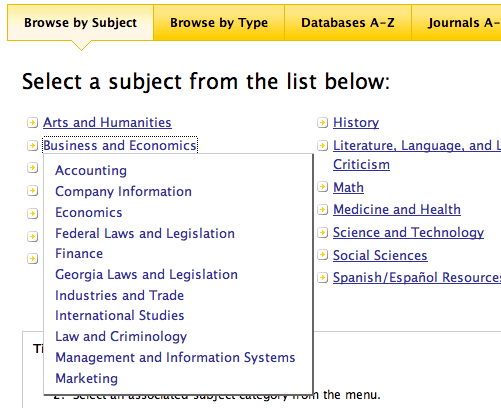
When you click on a category, a list of subcategories appears in the work area of the screen. Some subcategories may include a second set of subcategories. From the list of subcategories, you will link to a search screen.
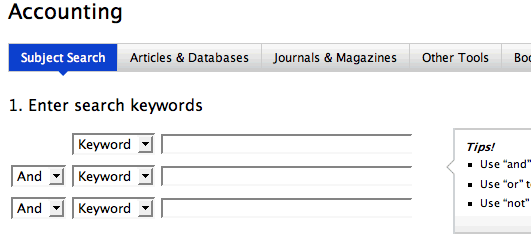
In the examples below, “Browse by Subject” was selected from the search category. Next, “Business and Economics” was selected from the first subcategory list. Third, “Accounting” was chosen. Next, the search screen appeared.
« previous Page 3 of 6 next »